BookCAT Alternative for Windows
BookCAT by FNProgramvare was a popular book catalog for Windows, but like their movie product CATVids it has been discontinued and is no longer developed. If you still run BookCAT on an older PC, your collection is stuck on legacy software with no fixes for modern Windows and no online updates. All My Books is an actively maintained replacement for book collectors who want ISBN lookup, cover art, loan tracking and regular updates.
BookCAT vs All My Books at a glance
| Feature |
BookCAT |
All My Books |
| Active development & updates |
Discontinued — dead product |
Regular releases |
| Import existing BookCAT database |
— |
Database menu — if BookCAT is still installed on the same PC |
| Import via Excel / CSV export |
Export from BookCAT, then import |
Tools → Import from → MS Excel or plain text (CSV) |
| Online book lookup (ISBN, title) |
Outdated / unavailable |
Multiple online sources, cover art |
| Printed, ebook & audiobook catalog |
Printed focus |
All formats in one database |
| Loan / borrowed book tracking |
Limited |
Built-in loan manager |
| Export to HTML / PDF / Excel |
Limited |
Multiple formats |
| Virtual bookshelf view |
No |
Yes |
| Discount for switchers |
— |
25% off for migrants |
How to import your BookCAT collection into All My Books
Option A — direct import (easiest if BookCAT still runs on your computer):
- Install and start All My Books.
- Use the menu item in the Database section to open your BookCAT database (look for BookCAT among the import sources).
- Wait until the conversion finishes.
Option B — via Excel or CSV (if BookCAT is on another machine or direct import fails):
- Export your BookCAT collection to MS Excel or CSV.
- In All My Books use Tools → Import from → Import from MS Excel...
- If column mapping is tricky, save the spreadsheet as CSV and use Tools → Import from → Import from plain text (CSV)...
Need help with a large or unusual export? Contact our support — we assist BookCAT migrants regularly.
BookCAT migrants special offer
Already paid for BookCAT? You do not need to pay full price for All My Books. See our special offer page for a discount when switching from another book organizer.
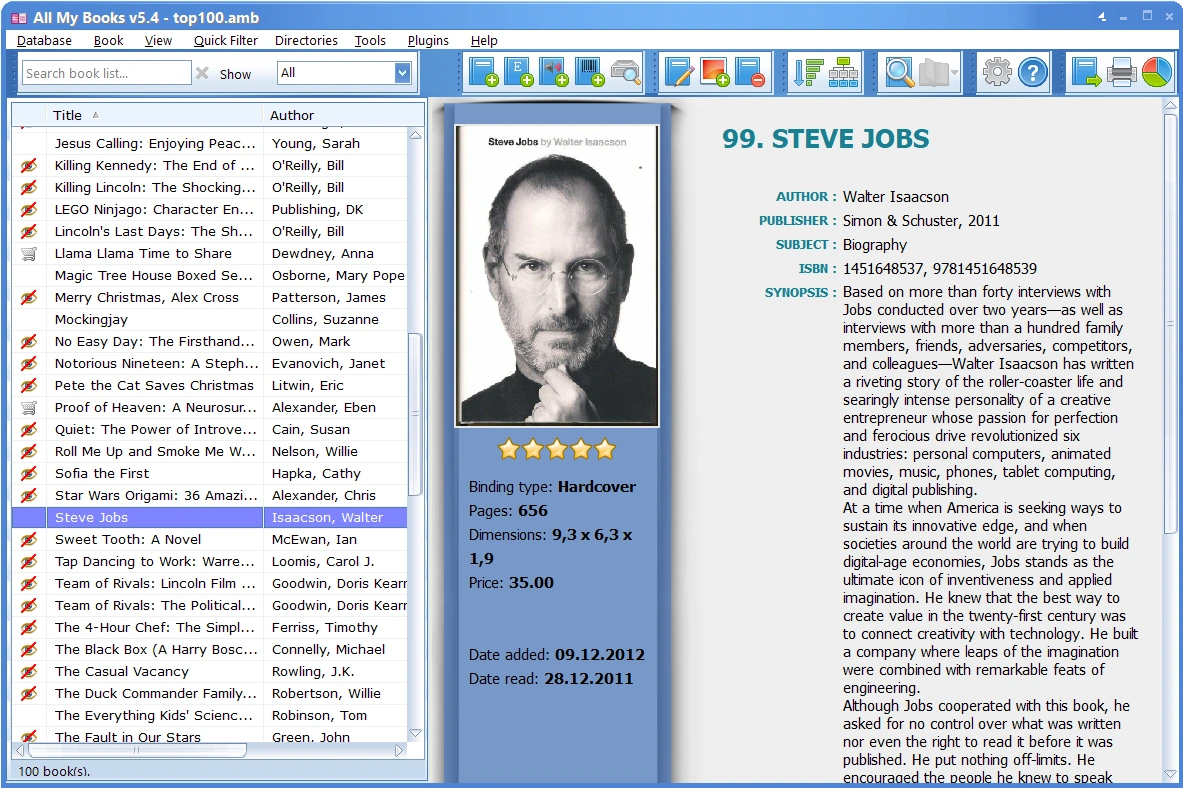
All My Books — screenshot:
Download All My Books
Our customer say
Excellent"Hello! I wouldn't know where to begin. AllMyBooks has gotten so much better... But in random order what I like best about the program:The interface is excellent!
Updating book information through numerous sites (Goodreads/Google and so on) especially seeing as I have lots of old books without ISBN number
The fact you can add not only the cover of a book but also illustrations
The fact that you can add a Biography (with picture) of the author
The virtual shelf (my idea to have this added hope others enjoy it) And on and on. There is just too much to mention!!! Overall it helps me keep track of the books I have and the location they are in. I even uploaded all to my website so whenever I am in an antiquarian bookshop and want to buy a book from them, I can have a look to be sure I don't already have that particular book (I sometimes forget if I already have a book)!!!"
Martin Kapma from the Netherlands